guide
WhatsApp Parental Controls in 2026: A Practical Safety Guide
Learn what WhatsApp parental controls can and cannot do, then build a transparent, privacy-first safety plan for your family.
WhatsApp parental controls are more useful in 2026 than they were a year ago, but no single setting gives parents a complete safety solution. The strongest approach combines WhatsApp's native protections, clear family rules, age-appropriate device limits, and??nly when everyone involved is authorized and informed?? read-only monitoring tool.
This guide explains what parents can do today, where the limits are, and how to monitor WhatsApp safely without turning protection into secret surveillance.
What changed with WhatsApp parental controls in 2026?
WhatsApp introduced parent-managed accounts for preteens in 2026. A parent or guardian sets up the account with both phones present and manages key protections. Depending on availability, parents can control who may contact the account, review requests from unknown numbers, manage group participation, and protect settings with a parent PIN.
The important word is managed. These controls are designed to shape a safer messaging environment; they are not a hidden inbox reader. Availability may also vary by country, age, device, and rollout stage, so check the current WhatsApp settings on both phones before planning around the feature.
What parental controls can and cannot do?
Native parental controls are best at reducing exposure before something goes wrong. They can help families:
- Limit contact from unknown people and review new contact requests.
- Control which groups a younger user may join.
- Keep privacy settings from being changed without the parent's PIN.
- Create a structured first experience with messaging and calls.
They cannot replace regular conversations about scams, bullying, sexual content, coercion, oversharing, or account security. They also do not make every conversation visible to a parent. End-to-end encryption remains a core WhatsApp privacy protection, and families should be cautious of any service claiming it can remotely break that protection.
Choose the right safety layer for your family
1. Start with WhatsApp's native protections
Use a parent-managed account when it is available and appropriate for your child's age. Also review Privacy Checkup, two-step verification, blocked contacts, group permissions, disappearing messages, and Chat Lock together. Native controls are free, visible to the account owner, and maintained by WhatsApp.
2. Use phone-level controls for time and access
Apple Screen Time and Google Family Link can help with app limits, downtime, age-appropriate downloads, and device routines. These tools manage access rather than reading WhatsApp message content, which makes them useful when the main concern is sleep, school focus, or excessive use.
3. Add authorized, read-only visibility only when needed
Some families need a clearer archive of an account they own or are authorized to manage. A tool such as FamiPatrol's WhatsApp monitoring dashboard uses QR-based authorization and presents supported WhatsApp activity in a private, read-only web dashboard. It is designed for review, not for sending, editing, or deleting messages.
This layer should complement??ot replace??hatsApp's controls and open family communication. Use it only with accounts you own or have clear permission to manage, and check the laws that apply where you live.
How to monitor WhatsApp safely: a five-step plan
Do not link a device in secret
WhatsApp device linking requires deliberate authorization. Scammers also use fake linking requests and QR codes, so explain every connection, verify the website, and remove any device you do not recognize.
A privacy-first family setup
- 1
Agree on the purpose
Name the specific concern??nknown contacts, bullying, scams, late-night use, or archive continuity??nd agree on what will be reviewed.
- 2
Use the least intrusive tool
Start with native privacy and contact controls. Add screen-time limits or authorized archive visibility only if the original concern remains.
- 3
Connect together
Keep both devices present, explain the QR authorization, and review the linked-device list so everyone understands what is connected.
- 4
Set review boundaries
Decide when reviews happen, which warning signs justify a closer look, and when monitoring will be reduced or stopped.
- 5
Revisit the agreement
As a child shows good judgment, move from broad oversight to lighter check-ins and more independence.
Warning signs that deserve a conversation
A safety plan works better when parents know what they are looking for. Focus on patterns, not isolated messages. Useful warning signs include:
- Repeated contact from unknown numbers or pressure to move into private groups.
- Requests for money, gift cards, verification codes, personal photos, or live location.
- Sudden distress after notifications, fear of missing a group conversation, or sleep disruption.
- Harassment, threats, humiliating images, exclusion, or pressure to keep conversations secret.
- An unfamiliar linked device or a QR-code request the account owner did not initiate.
If a message appears to involve immediate danger, exploitation, self-harm, or a credible threat, preserve relevant evidence and contact the appropriate local emergency or child-safety service. A dashboard is not a substitute for professional help.
How FamiPatrol fits into WhatsApp parental monitoring
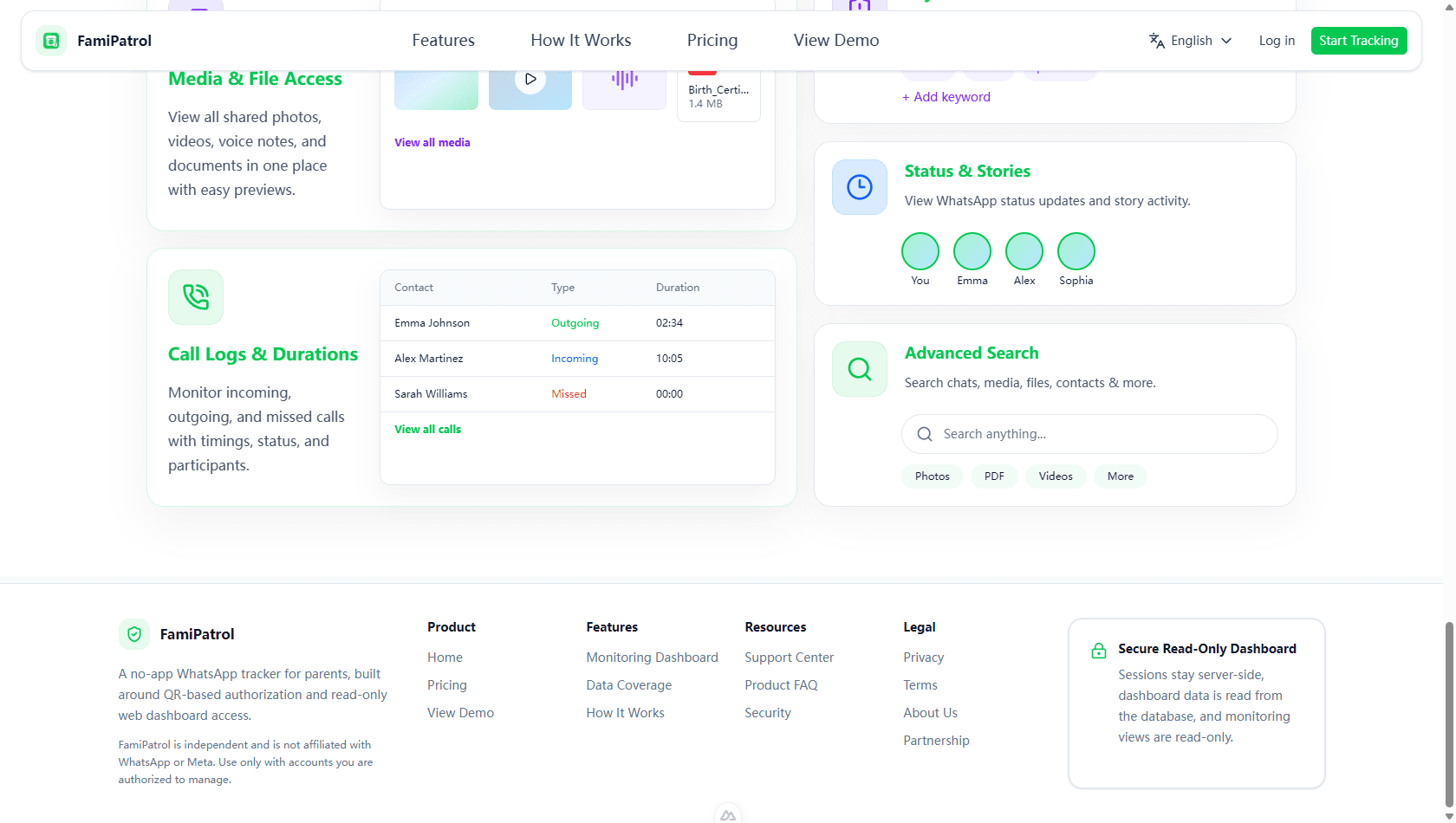
FamiPatrol is built for families that want focused WhatsApp visibility without installing a broad device-control app. After QR-based authorization, supported archive data is organized in a private dashboard for review from a phone, tablet, or computer.
- Read-only design: the dashboard does not provide message sending, editing, or deletion controls.
- QR-based authorization: the account must be deliberately connected.
- Focused scope: review supported chats, media, contacts, calls, groups, and activity without unrelated phone controls.
- Private access: session credentials stay server-side rather than being exposed to the browser.
You can view the demo before connecting an account, then compare FamiPatrol plans if the read-only workflow matches your family's needs.
WhatsApp parental controls FAQ
Can parents read messages with WhatsApp's native parental controls?
Native parent-managed accounts focus on contacts, groups, privacy settings, and a safer feature set. They are not presented as a tool that gives parents a hidden copy of every private message.
Can I monitor WhatsApp without installing an app on the connected phone?
WhatsApp supports linked devices, and FamiPatrol uses a QR-based authorization flow rather than requiring an extra monitoring app on the connected phone. The account owner or authorized guardian must participate in setup.
Is secret WhatsApp monitoring safe or legal?
Secret access can violate privacy, trust, platform rules, or local law. FamiPatrol is intended only for accounts you own or are authorized to manage. When in doubt, get clear consent and seek local legal advice.
Does parental monitoring replace talking with a child?
No. Controls may reduce risk and make patterns easier to notice, but children still need a trusted adult they can tell about a mistake, scam, threat, or uncomfortable conversation without fearing an automatic punishment.
The practical takeaway
The best WhatsApp parental control plan is visible, limited, and temporary. Begin with WhatsApp's own protections, define the risk you are trying to reduce, and add only the smallest amount of oversight that addresses it. If your family needs an authorized archive view, a read-only dashboard can provide structure without turning the parent into another participant in the conversation.
FamiPatrol is an independent product and is not affiliated with or endorsed by WhatsApp or Meta.
Review authorized WhatsApp activity in one place
Explore FamiPatrol's private, read-only dashboard before deciding whether it fits your family's safety plan.